in the frame

Take a stand - Bulk up
March 2022 provided an update for a couple of bits in my photography stable, which were long overdue.
Namely my new approach to sourcing colour film and how I develop it. Also my new process for scanning all my film.
I thought I would write this blog post, as I am sure there are a couple of take aways for other film photographers, or points to consider.

March 2022 provided an update for a couple of bits in my photography stable, which were long overdue.
Namely, my new approach to sourcing colour film and how I develop it. Also my new process for scanning all my film.
I thought I would write this blog post, as I am sure there are a couple of take aways for other film photographers, or points to consider.
As we enter into the spring and summer season here in the UK, I’m always keen to shoot some colour film, for the limited time that the summer light cascades our island.
I’m not one to shoot premium black and white film, my normal go to is Fomapan 400, which in 100ft, costs £40. I bulk load at home and the quality, tonal range and price, suits me down to the ground.


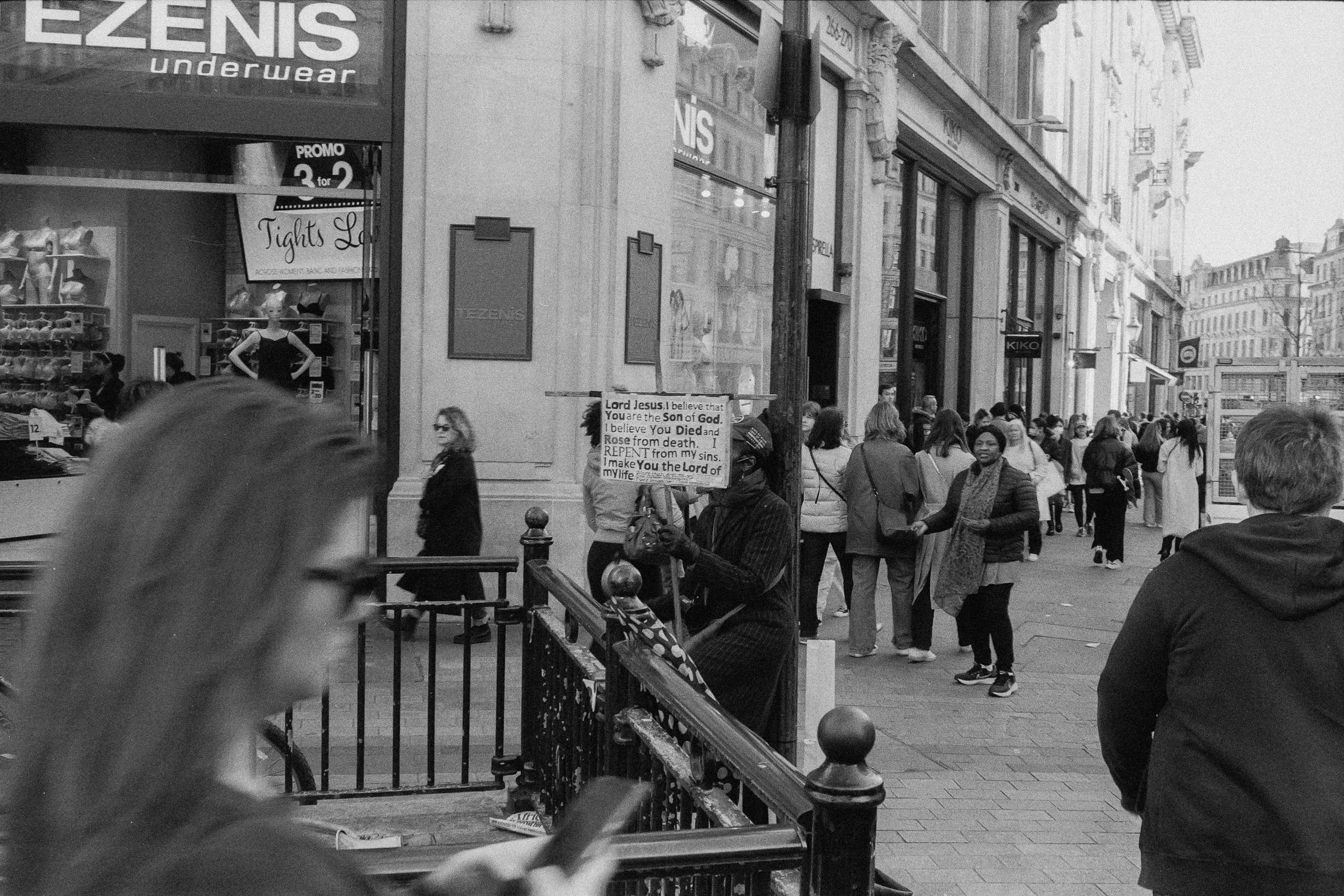


Colour film at present is evidencing crazy price hikes here in the UK. So in March 2022, I decided to invest in a 400 ft bulk roll of Kodak Vision 3 250d from the folks at Frame 24, to go down the bulk loading route workflow I have for B&W. At £180 + VAT + Shipping, this was quite a significant investment, but the maths dictated that for 90+ x 30 exposure rolls, this works out at c. £2.50 a roll.


My only problem was how to spool 400ft into 100ft reels for the AP Loader??
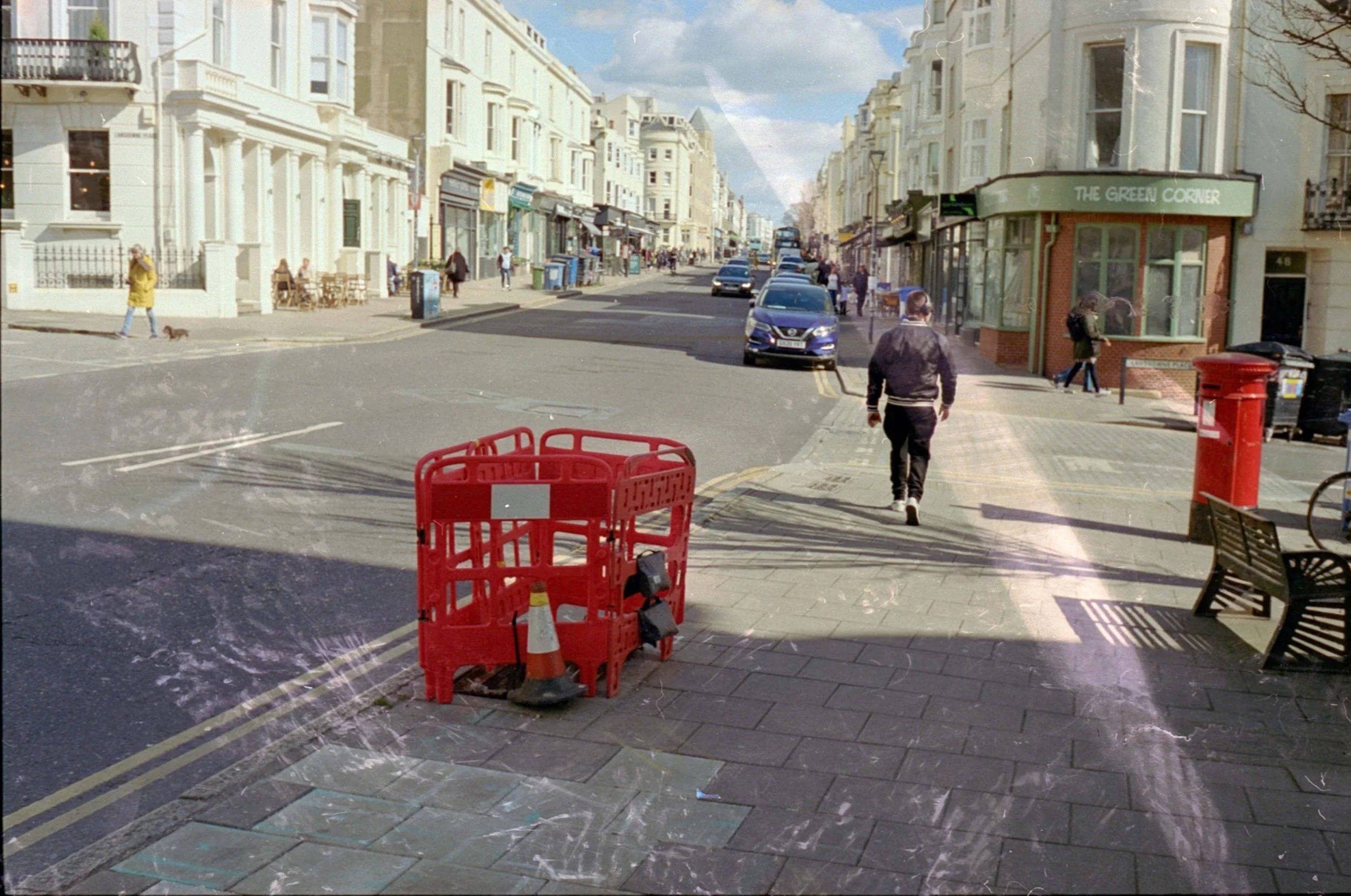
I saw advice on Reddit, that you could spool the film around the cardboard roll from the centre of a toilet roll, inside of a changing bag. For me, this didn’t work, as I found it too labour intensive, my hands got too hot and left too much sweaty residue on the unexposed film, as outlined in the photos below:


After further research, this lead to the world of 3d printing and a Creative Commons license for the following print schematics. A better video working example, can be found here. I have spoken in the past about the excellent community spirit of the film community, which is demonstrated fully by the designer offering his design for free.
A further search, sourced a 3d printing house in Nottingham, who fulfilled the order for £43.
Next up is the (not so) daunting stage of removing the remjet layer from Vision3 film. (an explanation of what remjet is, is here).
Its essential that commercial film developing labs are not sent Vision 3 film to develop, as this will ruin their machines.
This isn't too cumbersome, I found this video on YouTube. In essence, I pre-soak the film for 5 minutes at 38.5 degrees, then pour in the bicarbonate of soda solution for the 2 1/2 agitation, as outlined in the video.
The colour film is then put through the development and blix stage of the development.
Next is the removal of the remaining remjet, for this the secret weapon is a microfibre sponge, I sourced from a local poundshop. This means that you do not touch the film at this stage of the process. For this, I take the film out of the developing reel and hang in the drying clips, I then wipe (and rinse with the sponge) X 3 on both sides of the film, to remove the residual remjet.
I then put the film back on the reel, to complete the stabiliser final stage of development.
Because of the faffing about with the above, I personally add a photoflo rinse stage after stabilising, which removes any remaining stains on the film.


Home scanning has and will always be the bain of the film enthusiast. It's the one process of film that's as close to ‘polishing a turd / editing digital images' in lightroom, it's something that I look to keep as simple as possible, with a rigid and tested workflow.
My introduction to film and in my pursuit to try and manage what some would call the unjust cost in film photography - and also as part of my approach to maintaining a more level of control over the process - I originally invested in a Epson V600 scanner at the beginning of my film journey in 2016, to allow me a ‘one size fits all’ approach to scanning the film that I have been developing at home.
Whilst this journey has been littered with challenges, a steep learning curve, many rolls of ‘spoilt film’ its been a very rewarding one, which I wouldnt change at all.
I think that I have now finally turned a corner and if I can say (with trepidation), is the start of my refined workflow.
Whilst the V600 is a decent beginners bit of kit for 120 / medium format and large format / 4x5, the outputs for 35mm are little more than sub par acceptable, with the ability in getting decent colour scans being somewhat of a lottery. Bearing in mind beginners do not look to expand in to the 120 or 4x5 arena, until a number of years, would deem this bit of kit obsolete?
I had originally given up on using Negative Lab Pro with the V600 as I just couldnt resolve the colour cast that was yielded from my V600 in colour scanning, but I have now discovered that this appears to be entirely the route cause of a cheap amazon light box (read buy cheap by twice).
Until recently, things changed. I was able to ‘invest’ in the Complete Basic Kit for 35mm and 120 Film Scanning by Negative Supply. What a sublime piece of kit.

The copy stand is milled from aluminium and the film holders are produced in plastic (fair cheaper than the original aluminium ones). Its compact and can be set up in seconds.
Where this kits excels is the quality of the lightbox. I elected for the dearer version, producing 99 nits of light.
The speed of this process is night and day compared to the V600 and silverfast software.
The negative supply setup can scan a roll of film in 90 secs, compared to 5-10 minutes on the V600.
I use my mark 1 Olympus OMD EM5 micro four thirds camera for scanning, and convert the .orf raw file into a tiff file in Photoshop. As this is a 8bit file, I import these files into Negative Lab Pro in lightroom and select the ‘tiff prep' option.
This is a part of the NLP that's essential to remove the colour cast on images. I then run the software with standard settings, but I prefer the noritsu to frontier scanner.
I then save the image as a copy and then delete the original positive image of the film negative.
Thats it.
On review some folk send their film to labs, as they do not have the time and/or inclination to develop at home, me I am too much of a spend thrift , but more importantly, want the broader engagement with the entire process.
The above whilst post investment is an excellent workflow to save a few quid, this is probably best fulfilled if undertaken within a group to share the investment costs.
400 ft of Vision 3 250d is £222 for 92 rolls of film or £2.40 per roll, so shared with a group of 5 or 10 folk is very reasonable, compared to the current price of portra 160, 400 or 800 at £15+ or colorplus and gold consumer film now nearing £10 a roll.
Something to consider. Until next time, keep snapping.
Scanning colour film negatives
Scanning colour negatives have been a thorn in my side for a number of years.
I have quite a frugal set up when it comes to film photography. I buy my B&W film in 100 foot bulk rolls, I develop all my B&W and Colour film and also scan at home.
I use a modest setup, an Epson V600 flatbed scanner, its fit for purpose when scanning medium format negatives, but generally so so for 35mm, with a passable use for instagram. I am in the process of upgrading to scanning with my DSLR, but that is for another blog post, a work in progress.
B&W scans I have somewhat nailed, I am very happy with the workflow, its almost faultless
Scanning colour negatives have been a thorn in my side for a number of years.
Hello, World!
I have quite a frugal set up when it comes to film photography. I buy my B&W film in 100 foot bulk rolls, I develop all my B&W and Colour film and also scan at home.
I use a modest setup, an Epson V600 flatbed scanner, its fit for purpose when scanning medium format negatives, but generally so so for 35mm, with a passable use for instagram. I am in the process of upgrading to scanning with my DSLR, but that is for another blog post, a work in progress.
B&W scans I have somewhat nailed, I am very happy with the workflow, its almost faultless.
Colour, on the other hand has been a little bit more of a slow burn.
There seems to be quite a migration to Negative Lab Pro, with some big hitter YouTube film photographers giving it the full endorsement. I have never quite gotten on with it. Whilst the software has the appropriate algorithms, I find the GUI to be a little unsophisticated, with the outputs generally based on the old ‘eye ball’ test.
I have found much more success using Silverfast. I love their use of Negafix, which to put it simply is colour file stock profiles. They work really well.
I recently was asked by a IG friend about scanning and rather than send them a detailed longwinded email, I thought I would do a video screen capture.
I also thought that it might be good to upload these to the YouTube, for general consumption.
Therefore here are two guides, using Silverfast to scan in 35mm and 120 colour film negatives, whilst they are broadly identical, there is a very small differences, with the resultant outputs bearing the fruit of the change.
I hope these come in useful and save you a lot of trial and error. It’s always good to share the wealth.
Until next time, keep snapping, or in this instance keep scanning.
Yes please, keep me posted when there’s a new blog
Instagram - Film